Another Terminal Markdown Reader
Since the release of Claude mods, I’ve been leaning more into building tools that help me do better work with agents. I still spend the majority of my time using Claude directly, so mods were a natural place to start.
Mods are a nice improvement, though limited in what you can do with them and where. One of the first things I had Claude do was create a mod for displaying markdown documents to me, as I spend a fair amount of time reading those. After using it for a bit, though, I didn't love reading docs in it. It's not the most visually appealing, and it lacks support for diagrams.
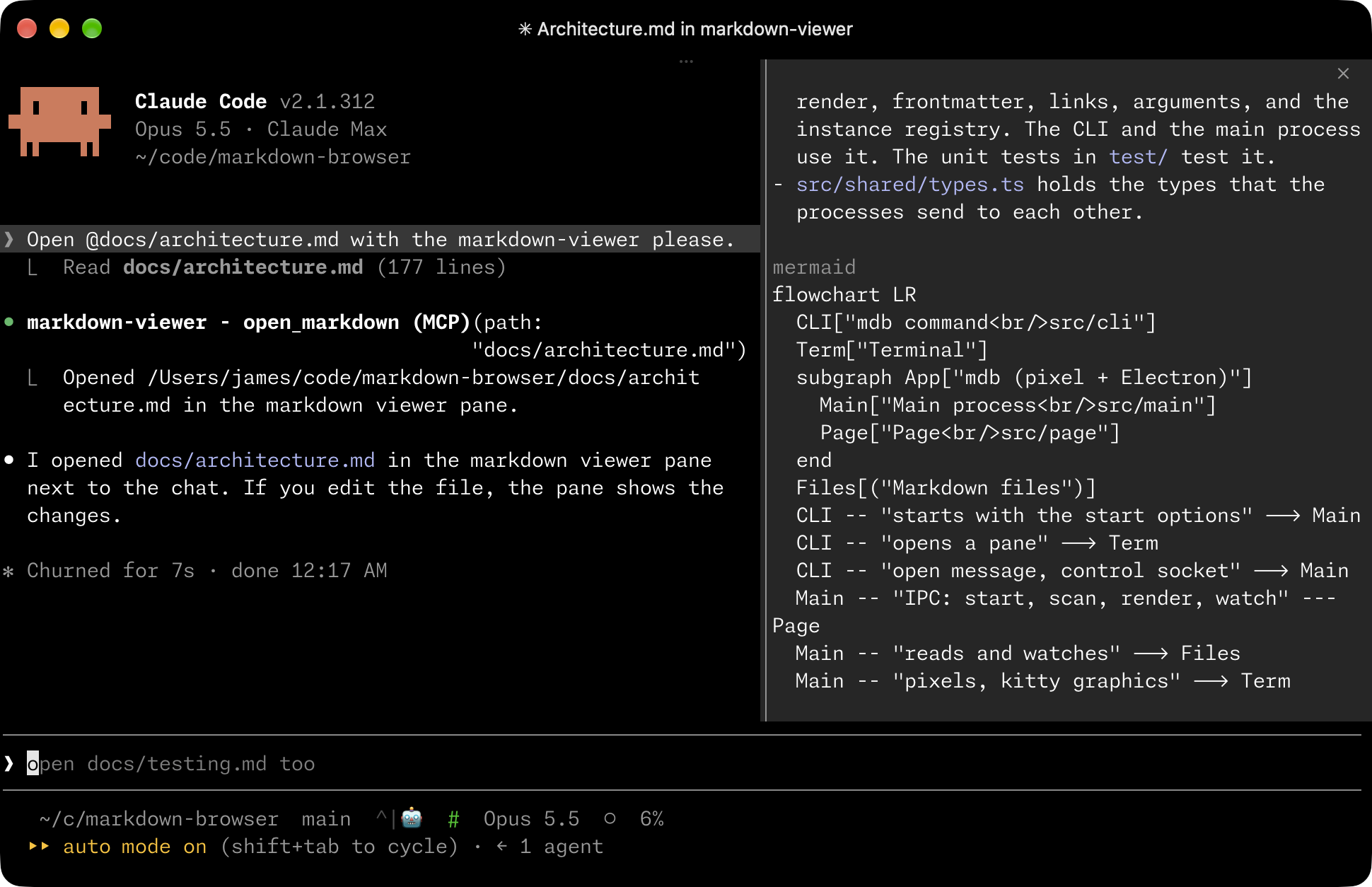
Playing around with terminal-browser recently really underlined how cool the kitty graphics protocol is, and they provide a package called pixel for others to build on. Pixel lets you build graphical applications for the terminal with the protocol and a Chrome WebView via Electron:
We use electrons offscreen rendering API to read pixels generated by chromium directly from the GPU. Any time a website visually changes, terminal-browser only sends small patches to the terminal that cover changed regions. These choices allows terminal-browser to render smoothly without dropping any frames. — README
I thought this was very cool and built markdown-browser with it. markdown-browser provides mdb, a CLI command for browsing and opening markdown documents. It supports tabbed viewing, piped in-memory docs, and Mermaid diagrams with Pele. It also includes skills for Claude and Codex.
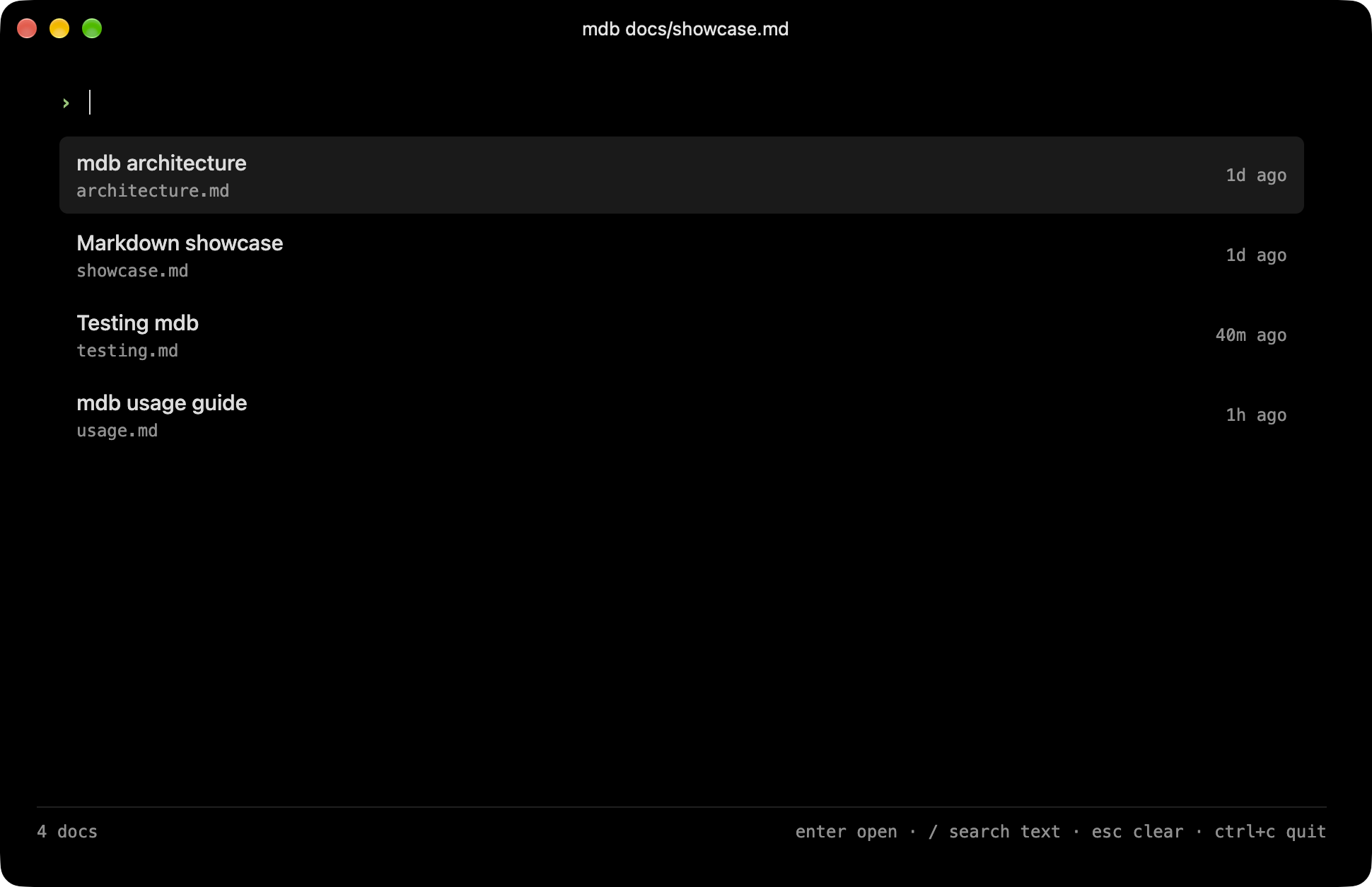
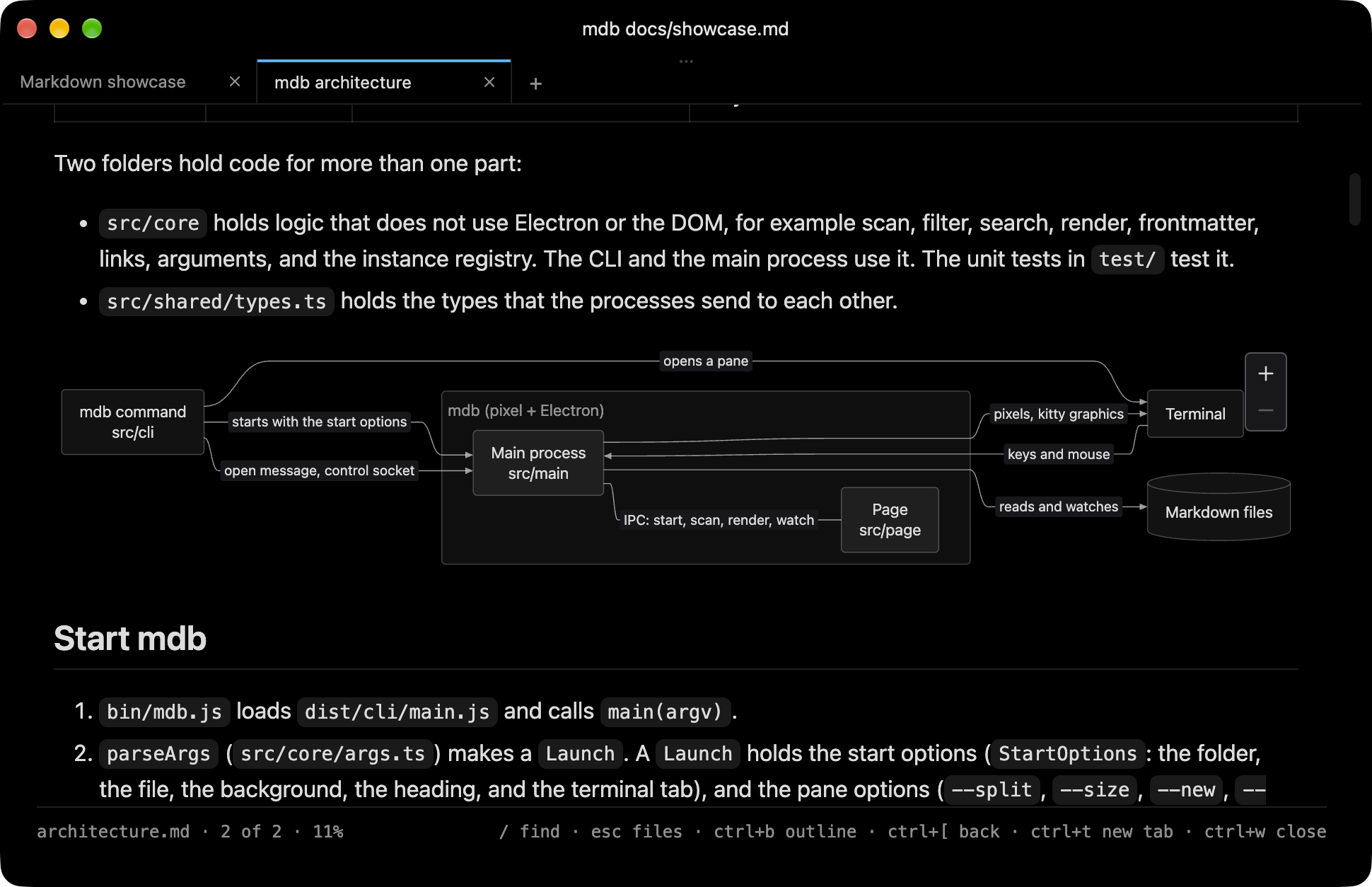
To get started, install it from npm and run mdb:
npm install -g @jamesnewton/mdb
To let Claude or Codex open docs in it, install the skill:
mdb skill install
Check out the project on GitHub for more information.